
Banana
Multi-provider AI studio for image generation, editing, video, and Shopify product content
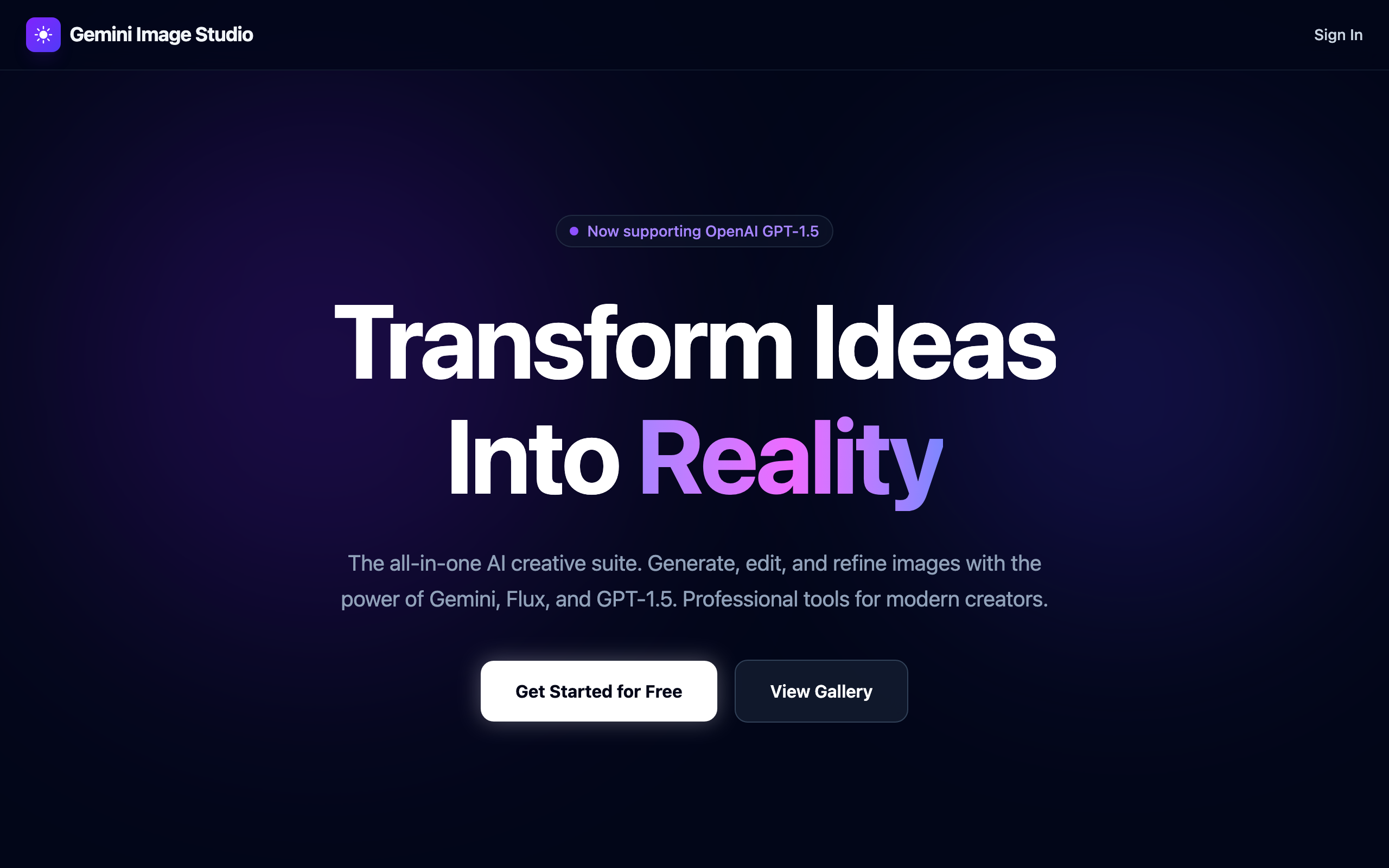
One interface over 22 image models from 6 model families and 17 video models, with side-by-side comparison, multi-model generation, and a Shopify pipeline that turns images into draft product listings.
Banana is a multi-provider AI studio that puts 22 image models and 17 video models behind one interface. Image generation and editing run on Google Gemini (Nano Banana), FLUX.2, SeeDream, GPT Image, Grok Imagine, and Kling. Video runs on Veo 3.1, Grok Imagine, FLUX.3, Seedance, Kling, and HeyGen.
Beyond generation, it covers the e-commerce workflow: Image Namer, Product Describer, Resizer & Converter, and a Collection Builder that creates Shopify draft products with tracked progress and retries. It is at v1.25.1 after 108 commits, shipped through a gated release script that deploys, smoke-tests the live site, and only then merges.
Multi-provider image generation
22 image models across Gemini (Nano Banana, Nano Banana 2, Nano Banana Pro), FLUX.2, SeeDream 4.0 to 5.0 Pro, GPT Image 2 and 2.5, Grok Imagine, and Kling O3 and v3. Compare results side-by-side or send one prompt to several models at once.
AI image editing
Edit existing images with the same model roster: change elements, restyle, or swap backgrounds, with per-model edit pricing.
AI video generation
17 video models: Veo 3.1, Grok Imagine 1.0 and 1.5, FLUX.3, Seedance 2.0 and 2.5, Kling v3 and O3 up to 4K, and HeyGen Avatar V for talking avatars. Text-to-video, image-to-video, and reference-to-video.
Shopify Collection Builder
Upload a collection, validate it, and create Shopify draft products with tracked per-product progress and retries. Publishing stays a manual step in Shopify Admin.
Product content tools
Image Namer, Product Describer, and Resizer & Converter take a raw image to a named, described, correctly sized asset.
Asset library
Generated images and videos are kept in a personal library with video thumbnails, ready to reuse as edit inputs or references.
Choose your model
Pick from 22 image or 17 video models, or use multi-model mode to compare outputs.
Generate or edit
Create images or video from text, edit existing images, or animate a still into a clip.
Export for production
Resize, convert formats, write product copy, and push draft listings to Shopify.
How does pricing work?
Images are priced per image, with per-megapixel surcharges on some FLUX models. Video is priced per second of output. There's no monthly subscription.
Can I use my own API keys?
Currently the platform uses shared API keys with per-use billing.
What's multi-model mode?
Multi-model mode fires the same prompt at multiple models simultaneously so you can compare outputs and pick the best result.
Does it publish to my Shopify store?
No. Banana creates draft products only. You review and publish each one in Shopify Admin.