OntarioForms
Guided Ontario financial statement forms
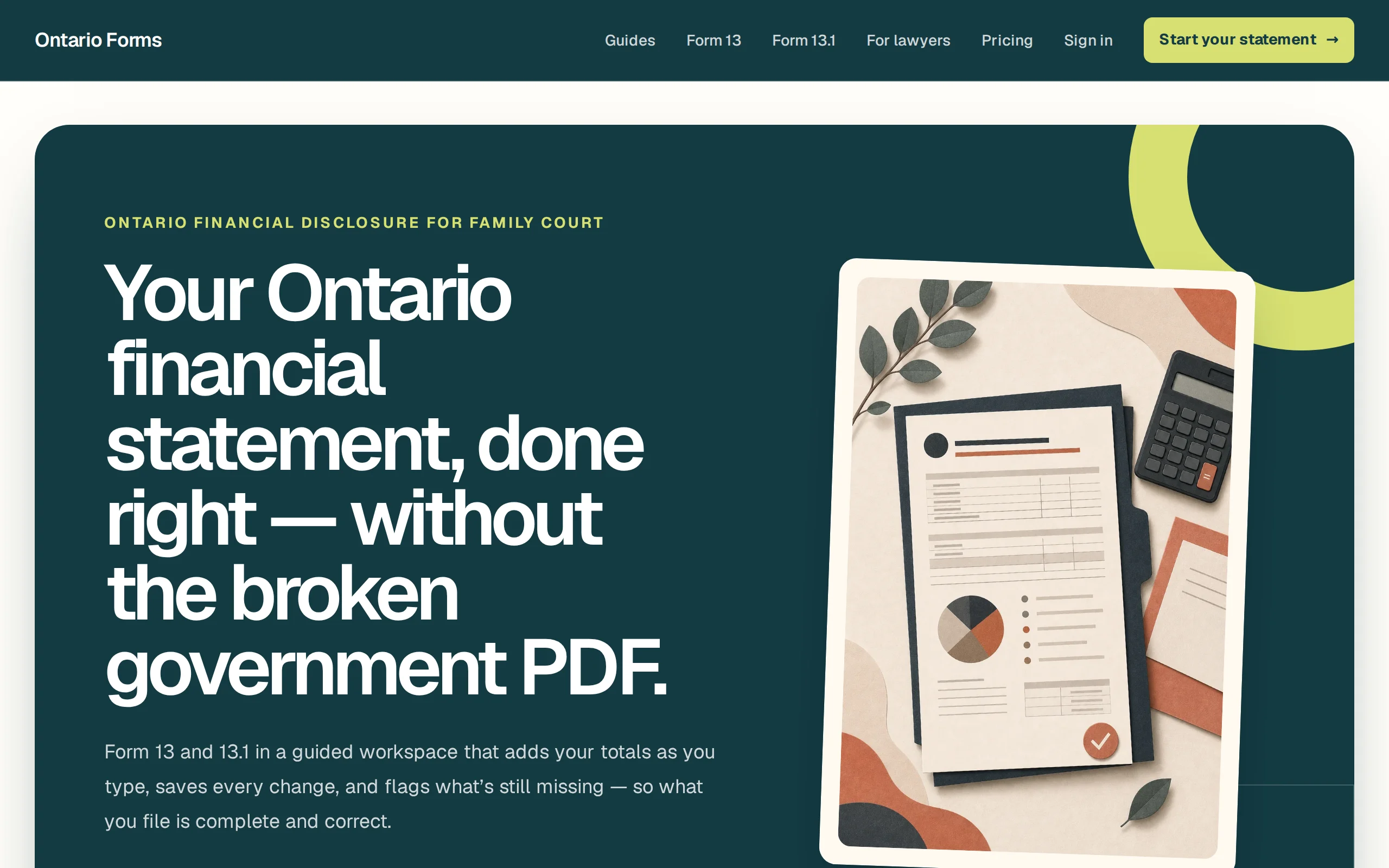
Ontario's official financial statement forms are long, repetitive, and unforgiving. OntarioForms turns them into a guided flow with your data saved to your account — so you fill in your numbers once and get a clean, complete statement instead of wrestling a PDF.
OntarioForms takes Ontario’s official financial statement forms — long, repetitive, and easy to get wrong — and turns them into a guided, save-as-you-go flow.
Instead of downloading a dense government PDF and filling every field by hand, you sign in, work through the statement step by step, and your entries are saved to your account so you can return, revise, and finish. It’s built specifically around Ontario’s financial statement requirements.
Note: OntarioForms is currently access-gated behind sign-in, so this page describes it at a high level. Details can be expanded as the app opens up.
Guided, not a blank PDF
Walks you through the required financial statement fields step by step instead of dropping you into a dense government form.
Saved to your account
Sign in and your financial statements are stored, so you can return, revise, and finish without starting over.
Ontario-specific
Built around Ontario's financial statement requirements rather than a generic form filler.
What does OntarioForms help with?
Preparing Ontario financial statements through a guided flow, with your entries saved to your account so you can return and finish.
Do I need an account?
Yes — sign in (email or Google) to create and access your saved financial statements.