Transparent PNG Tool
Your design template, ready for real photos
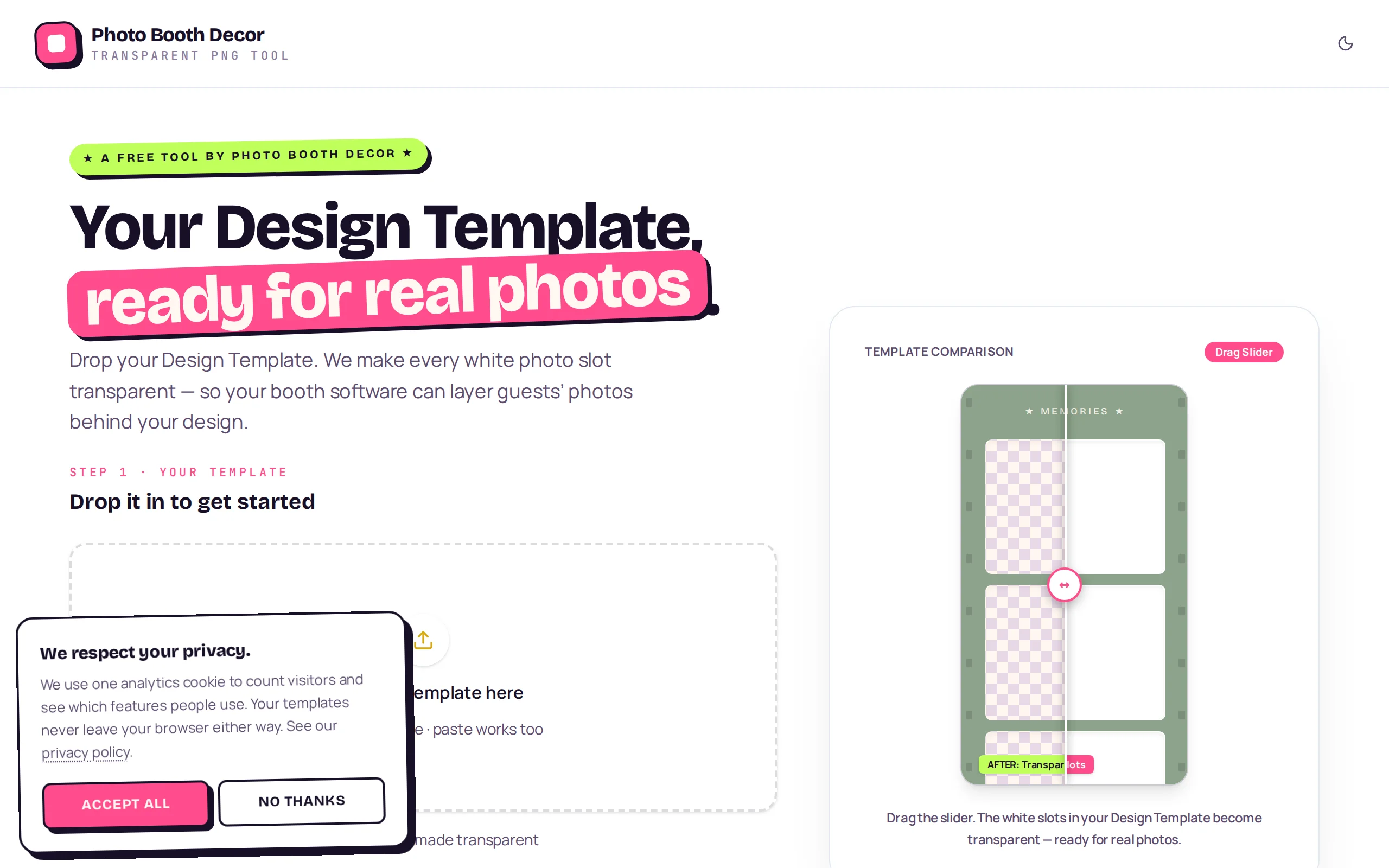
Drop in a photobooth design template and every white photo slot becomes transparent in about ten seconds — auto-detected, no manual masking. Everything runs in the browser: no uploads, no accounts, and your files never leave your machine. Free tool by Photo Booth Decor.
Transparent PNG Tool solves one very specific photobooth headache: you designed a beautiful template in Canva or Photoshop, but the white photo slots need to be knocked out to transparent before your booth software can drop guests’ photos behind the design.
Drop the template in and the tool auto-detects the white photo slots and clears them in about ten seconds. Missed one? A tap-to-fix wand clears just that slot, and a tolerance control handles the tricky cases. A before/after slider lets you confirm the result — glitter, gradients, and busy overlays all survive while only the slots go transparent. The whole thing runs in the browser: no uploads, no accounts, files never leave your machine. It’s a free tool from Photo Booth Decor, and it’s already made over a thousand templates transparent.
Auto-detect photo slots
The moment your template loads, the tool finds the white photo slots for you — no manual selection to start.
Tap-to-fix wand
Missed a slot? Click it with the wand and only that slot clears. Nudge the tolerance for tricky templates.
Before/after slider
A drag slider shows white slots becoming transparent in place, so you can confirm the cut before you download.
Handles complex designs
Glitter, gradients, and busy overlays survive the cut — weddings, birthdays, and holiday templates all work.
Fully local and private
Everything runs in your browser. No uploads, no accounts, and your templates never leave your machine.
Upload your design
Export your template from Canva or Photoshop with the white photo slots in place, then drop it in (paste works too).
Tune and preview
The white slots go transparent instantly. Nudge the tolerance or click any slot the auto-detect missed.
Download the PNG
Get a high-res transparent PNG in seconds — ready to load into your booth software.
Do my files get uploaded anywhere?
No. Everything runs locally in your browser — your templates never leave your machine. No account is required.
What do I export from Canva or Photoshop?
Export your design with the white photo slots in place. The tool detects those white areas and makes them transparent.
Will it handle glitter, gradients, and complex overlays?
Yes — the detection is built so decorative detail survives the cut while only the photo slots go transparent.
Is it really free?
Yes. It's a free tool brought to you by Photo Booth Decor.